
-
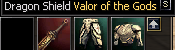
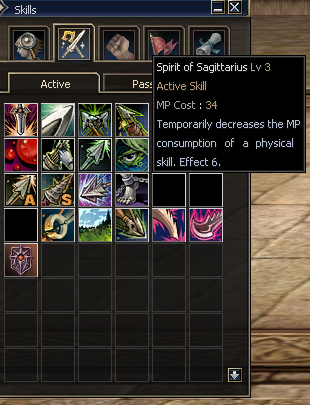
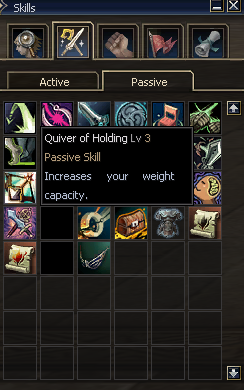
Hello, im looking for c4 client developer that can fix some issues, missing icons etc. if you are l2off developer then even better. its easy ones, fix few skill icons, item icon, easy money if someone has time. I guess its lack of files in my patch, but might be smth other contact with me on discord: endART_#6190 @DumanisT @SkyLord @XManton @Fr3DBr @mjst @Sighed any ideas who could help me XD
-
endART changed their profile photo
-
there was better website designs back in the 2010, you should pay some designer for better web imo, but good luck!
-
hope your not planning to open server after someones compile it.. bet ya ll get tons of backdoors
-
can u share whole stack sub system?
-
thing is they didnt change prices since 10+ years which is killing their product, if they would love it by atleast 50% as they should they could have way more customers, lineage 2 isnt the same game as it was 10+ years ago, l2 is nearly end, dying, and they keep prices like l2 would be in prime time, whats the point, can someone explain?
-
why wts? i saw this updater 10 years ago shared here with source, whats the point of selling it?
-
yeah, server looks promising. Ill keep my eye on it as a player i joined today, will see whats up there. Hope Administration will not fuck up this project. Best Regards, endART&Narda.
-
download some custom pack from net, open two windows of notepad ++ and compate ai of catacombs monsters eachother, if theres any different try it on, mine was working all good, about 10 years ago xD
-
l2failever : ) anyway good luck
-
Poland
-
http://www.4shared.com/file/maK2ck-C/L2_Script_Manager_uploaded_by_.html Reuploaded for MxC by endART!
-
Here you go endART :)
-
updated.
-
http://www.maxcheaters.com/forum/index.php?topic=47900.0 junk
-
lol bump YOur own share.. Get brain