

Everything posted by JustJap
-
27
-
so you changed coords and size of glow and what is wrong whit it now?
-
>>> LINK <<<
-
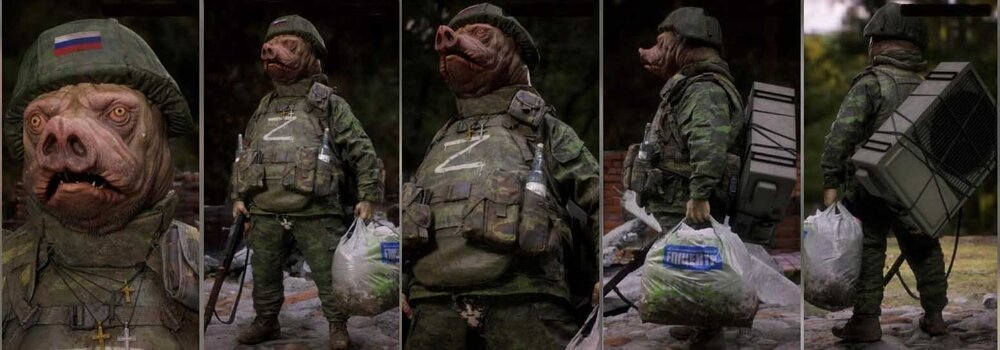
Perfect illustration of russian soldier...
-
Check this guide: http://www.lineage2media.com/heroweaponglow.html
-
From 2015 years? 😄
-
>>> LINK <<<
-
Here are A and S grade 2 pieces armors (Apella included) for Interlude... >>> VIDEO PREVIEW <<< >>> DOWNLOAD LINK <<<Try to change engine.u file in your mythras system and check if problem persists...It's mythras system?isn't that Innova's merit,that can no longer be used pp for l2jservers?for me works normal...i will check tomorrow
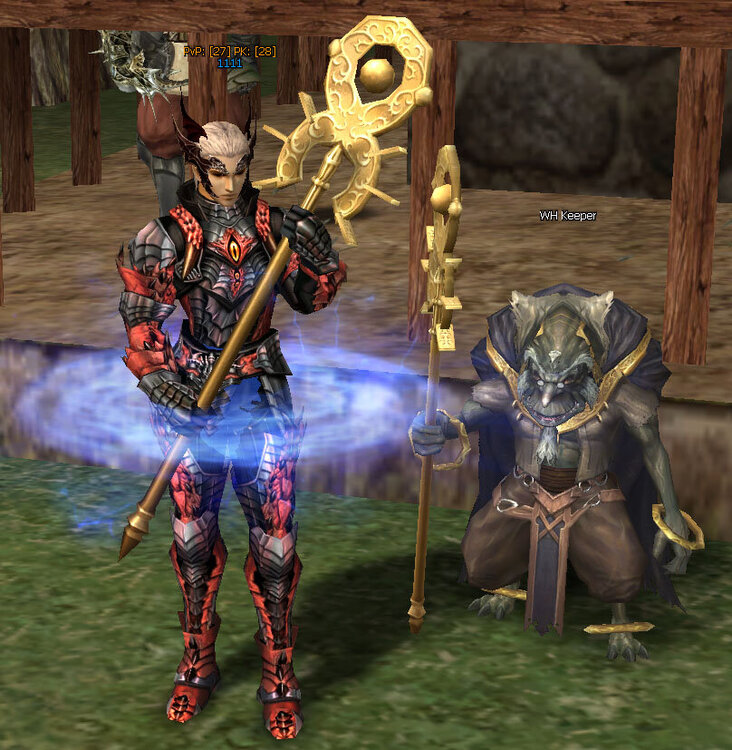 >>> LINK <<< Etcitem.grp: 2 9998 0 3 6 3 0 dropitems.drop_scroll_m00 dropitemstex.drop_scroll_t00 Master_Yogy.yogi_scroll 0 120 18 0 0 1 1 ItemSound.itemdrop_scroll 2 0 0 Weapon.grp: 0 9999 3 1 15 5 0 Master_Yogy.Just_Jap_masteryogy_wp Master_Yogy.yogi_staff -1 1060 14 1 0 14 4 1 Master_Yogy.Just_Jap_masteryogy_wp 1 4 itemsound.spear_7 ItemSound.staff_2 ItemSound.spear_6 ItemSound.spear_9 ItemSound.itemdrop_staff ItemSound.itemequip_staff 20 39 35 2 1 4 4 0 0 0 325 0 2 2 1000 0 -1 0 0.00000000 0.00000000 0.00000000 1.00000000 1.00000000 LineageWeapons.rangesample 0.89999998 0.89999998 0.89999998 30.00000000 0.00000000 0.00000000 -1 -1 -1 -1 Npc.grp: 99999 LineageMonster.pirates_zombie_captain Master_Yogy.Just_Jap_masteryogy 0 0 2 4416 14 1.60000002 0 3 ItemSound.fist_1 ItemSound.fist_2 ItemSound.fist_3 5 ItemSound.armor_metal_strong_1 ItemSound.armor_metal_strong_3 ItemSound.armor_metal_strong_7 ItemSound.armor_metal_alt_6 ItemSound.armor_metal_alt_2 3 ChrSound.MNpc_Fighter_Dmg_1 ChrSound.MNpc_Fighter_Dmg_2 ChrSound.MNpc_Fighter_Dmg_3 0 1 0 LineageEffect.p_u002_a 0 50.00000000 250.00000000 70.00000000 0 0deleted from PC after checking the movement system...Hello, maybe someone knows where to edit this character creation room from God's clients,which file responds to it?in fact i don't like autobots,but this share is Osom :) thnx






Important Information
This community uses essential cookies to function properly. Non-essential cookies and third-party services are used only with your consent. Read our Privacy Policy and We have placed cookies on your device to help make this website better. You can adjust your cookie settings, otherwise we'll assume you're okay to continue..