

-
-
Hello everyone i want to ask something, how i can edit the (StatusWnd+TargetStatusWnd) to be set on default one, or to be like deadz(because this one its a custom and it takes to much space on my resolution, and want to change it on normal one, I try many things to return it on Default mode with xdat editor, but unsuccesfully... So can someone send me tutorial, how i can edit it and change to normal(Default HP/CP/MP bar+ the target) https://ibb.co/BTQ1wpY : There's the picture which thing i want to edit it, and to be set on default mode, not this customized bar one.
-
4ftwiordanov
-
batevil changed their profile photo
-
Yes that, I mean.
-
@protoftw I search in rawr and mxc i can't find it for real, no1 share it maybe.
-
@SweeTs Well that guy share a code for your private server, not for adrenaline as i see, i checked his profile and the post in forums, its not adrenaline anti-captcha code which answer auto.
-
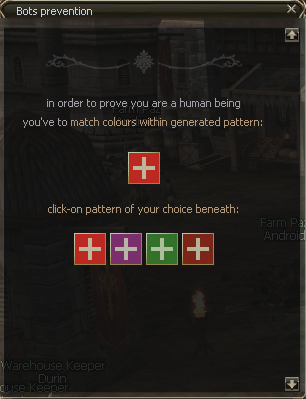
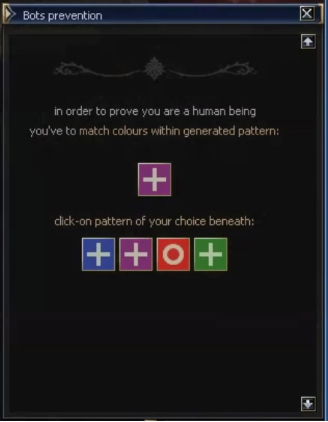
Hello, i wanna ask someone got this captcha code?
-
this one got wh, decrease many animations like Major/greater heal of bp for better fps, got and functions for ON/OFF animation, client; interlude.
-
+1 Rep Eddyteh.
-
Sandora is back :)) Good Luck, dude.
-
:O very nice gl with u server. i will try :)
-
Good Luck. :)
