

-
1. Check the L2JMobius Official Forum The forum sometimes includes links or hints in the specific version threads. Go to: https://www.l2jmobius.org/ Search the “Live 12.1 Path of Rogue” section for client references. Some users may post Google Drive or MEGA links with notes like “compatible client here.” ⚠️ You must be logged in to see download links and attachments. 2. L2JBrasil – Compiled Versions try this link below Forum link: https://www.l2jbrasil.com/topic/148093-source-compilado-l2j-mobius-live-121-path-of-rogue/ Sometimes includes preconfigured systems, clients, or instructions to obtain the right client build. Again, you’ll likely need an account. 3. Use the Official Lineage 2 Client (as a base) You’ll likely need the “Path of Rogue” Chronicle client, which is part of the “Live” servers: Use NCSoft’s official Lineage 2: Live client as a base. Then, apply the L2J_Mobius system patch (often custom). If you can't find the exact version, a compatible client from similar versions (e.g., “Fafurion” or “Kamael”) might work with minor issues. you can try this one maybe will work https://drive.usercontent.google.com/download?id=1fuTmSa-W-OTFZV1ZnaCv8ql5O39Uw9oL&export=download&authuser=0 PW: L2jMobius
-
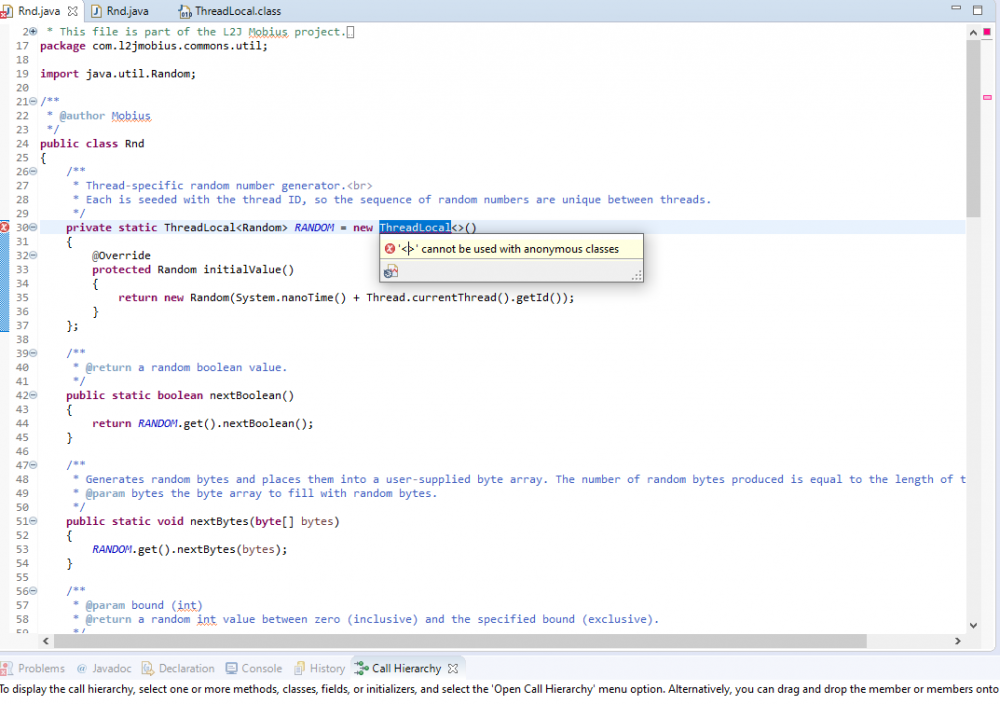
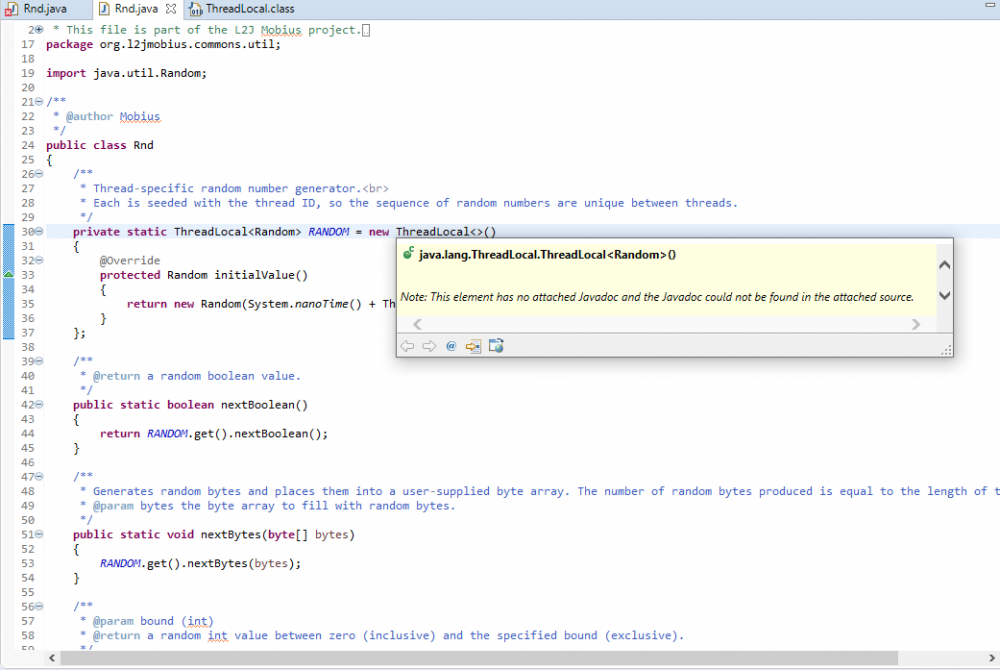
Hi all I was found old project and was wit some dead code some smal thing i was repair. My problem looks like this first image is whit Issue second I was look on other project. But after all I'm not sure hove to fix it. Project GitHub: https://github.com/danielbarion/HighFive It is old one because Mobius now have use package java starting wit org.l2jmobius... this one is like L2j wit com....
-
was more easy. work with out problems ;)
-
Yes but i was use L2j, maybe i will try with L2j Mobius
-
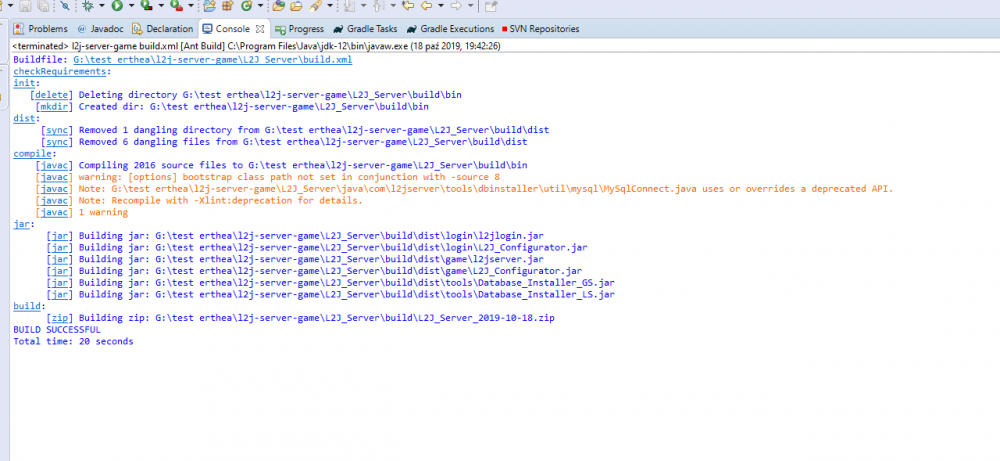
Ok so my problem it is only one. I can compile and install this server but after all Login crash. So no option to connect and try this project. I was use JDK.12, all what i was found and see was bug on java 1.7 Can someone help fix this error.
-
Long time for making project. I too create my own project for server but i have to short exp. i think L2 and first Letter (alphabet) of client will be good
-
some times after update are some bugs so if you update aion to new version make first backup of you're bin folder and when you update change to orginal bin.
-
have this armor some special abilities or its only gold.


