-
Hello everyone! I'm looking for the Fafurion NPCs, especially the ones shown in the attached picture and the NPCs from the Fafurion Temple, compatible with L2J High Five (H5). If anyone has them and is willing to share the files or a download link, I would greatly appreciate it. Thanks in advance!

-
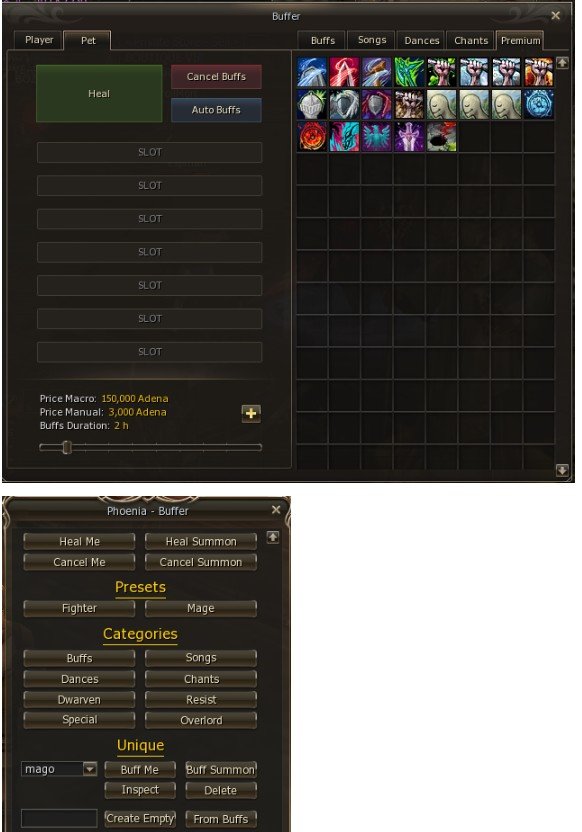
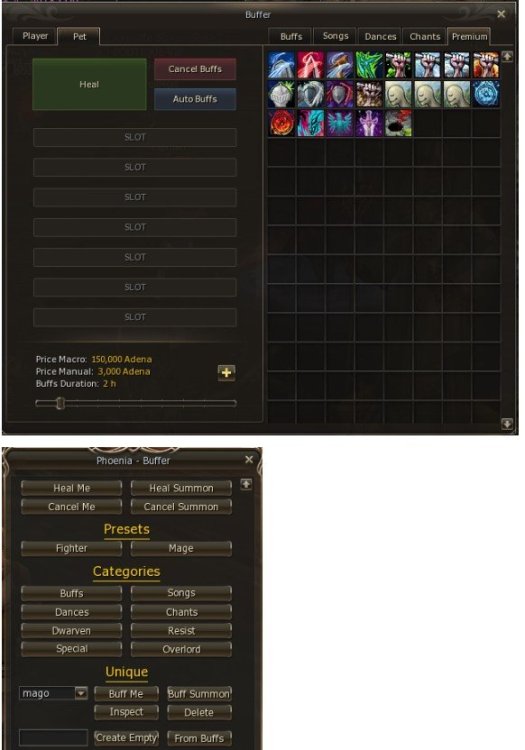
Tengo un buffer, ese que aparece en la foto con letras amarillas, es un HTML normal pequeño y quiero dejarlo como en la foto 1, donde aparecen los buffs y el HTML es más grande. ¿Cómo puedo hacer eso?
-
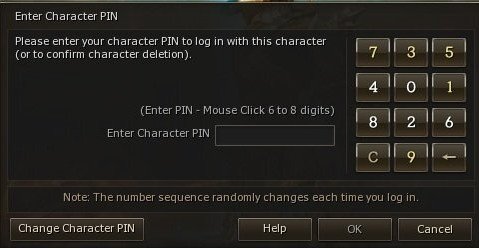
Hola, estoy buscando el Phoenix Event y el sistema de PIN como el de la imagen. ¿Alguien podría pasármelo o darme la URL? es para un h5
-
any can tell me how the crack is installed
-
-
I know that if third parties do not want to make games not going to do, but at least I move and "fight" for my dream.
-
Hi I know there is nothing to this forum but might please some user nintendo wii u console has, well I leave this gathering signatures to see if they take football games for the current console from Nintendo. If someone does not have it also wants to support, so be it. http://www.change.org/p/konami-espa%C3%B1a-saquen-fifa-2015-y-pes-2015-para-wii-u Thank you all, and I do not delete the topic :$
-
Hi, I'm looking for someone with great knowledge of java to help repair a code a npc called zeus, more than anything JAR pulling many mistakes and my knowledge does not go that far. Thanks!! Add me to skype: manzas1974 Prefer someone who speaks Spanish if possible.
-
up
-
B*tch please no spam -.-" // UP!!!
-
up!
-
up
-
up
-
Sell my account nexus engine gold member for 60euros by paypal. Send me mp.
-