
Skip to content

L2Helper

Members
  • Joined

  • Last visited

  • Trader rating

    N/A
  1. New scripts update, welcome! https://discord.gg/ZYbzPTvx8K
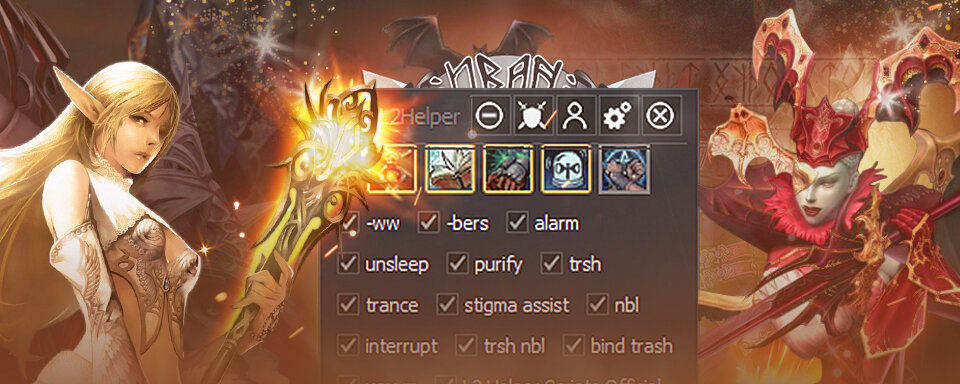
  2. L2Helper changed their profile photo
  3. Hi all! We are engaged in the sale and development of scripts of any complexity and for any profession for l2helper 🙂 https://discord.gg/ZYbzPTvx8K We are ready to demonstrate any script before buying, just write us!
Account

Navigation

Search

Search

Configure browser push notifications

Chrome (Android)
  1. Tap the lock icon next to the address bar.
  2. Tap Permissions → Notifications.
  3. Adjust your preference.
Chrome (Desktop)
  1. Click the padlock icon in the address bar.
  2. Select Site settings.
  3. Find Notifications and adjust your preference.